
Favicon Checker
Check any website's favicon setup — every icon found, sizes, and what's missing.
Written by SamundraLast updated
We fetch and inspect that site's icons directly — nothing about your device is sent anywhere.
No site checked yet
Enter a website above to see its favicon report.
Related tools

Introduction
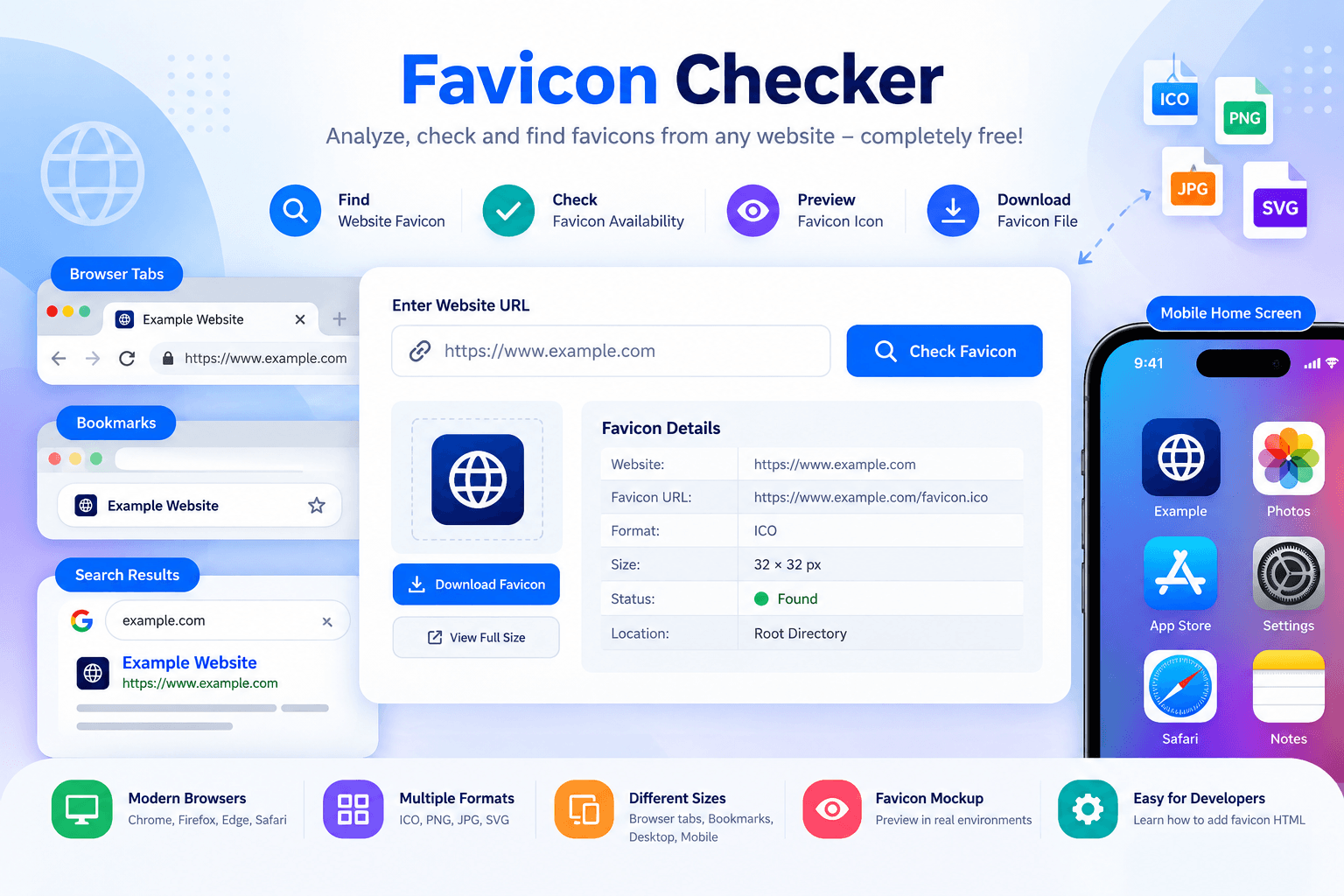
Favicon Checker is a completely free online tool. By using Favicon Checker, users can easily analyze, check, and find favicons. A favicon is a small icon that is displayed in browser tabs, bookmarks, search results, and mobile home screen shortcuts. It is very easy and simple to use, allowing users to retrieve a website favicon, pull a favicon from a website, and check whether a website has a working favicon file.
Favicon Checker benefits users by supporting identity and improving the website user experience. The favicon checker allows users to test favicon availability, which is very helpful for users as well. It checks favicon formats and favicon sizes that are included in modern websites and appear on various platforms, including modern browsers, browser tabs, bookmarks, and mobile devices.
Why Use Favicon Checker?
If any information on our website is missing or incorrect, the website may not look professional. Website owners, developers, and designers can use this tool to verify whether their icon is properly connected and accessible.
Check whether a website has an active favicon.
Locate the website’s icon file without manually searching through code.
Preview the icon a website uses.
Verify whether it supports different favicon formats such as ICO, PNG, and SVG.
Check whether the icon appears correctly in browser tabs and bookmarks.
Identify favicon-related problems that may affect branding and recognition.
A clear and professional favicon helps users identify websites faster in browser tabs, saved bookmarks, and search engine results.
Key Features
This tool can easily detect favicons from entire website URLs because it works as a favicon finder.
It checks common locations, including the website’s root directory and HTML favicon references.
Supports multiple favicon formats, including ICO files, PNG images, JPG icons, SVG favicon, and Apple Touch Icons.
Checks favicon sizes for browser tabs, bookmarks, desktop shortcuts, mobile home screen, and web applications.
Developers can use this tool to understand how to add favicon HTML and confirm that the favicon implementation is correct.
The favicon mockup feature helps you visualize how your icon may appear when shown in browser tabs and other digital environments.
It helps detect issues such as missing favicon files, incorrect file locations, unsupported formats, and loading problems.
Privacy and Security
This tool is very secure to use because it does not store users' personal data, which helps prevent sensitive data from being accessed by unauthorized users. This tool uses secure methods that help users keep their data safe. Since only the website URL is processed while using this tool, users can use it without worrying about their personal data. This tool is also easy and simple to use.
Supported Favicon Formats, Limits & Output
Supported Favicon Formats:
ICO (.ico)
PNG (.png)
JPG / JPEG (.jpg, .jpeg)
SVG (.svg)
Apple Touch Icons
Input:
Website URL
Output:
Detected website favicon
Favicon URL
Favicon format
Favicon size
Favicon preview
Favicon availability status
Limits:
The website must be publicly accessible.
The favicon must be available through the website.
Private or restricted websites may not be accessible.
Incorrect or broken favicon file links may not return a favicon.
Supported Platforms:
Windows
macOS
Linux
Android
iOS
Modern browsers
Try this EXIF Viewer
How to use
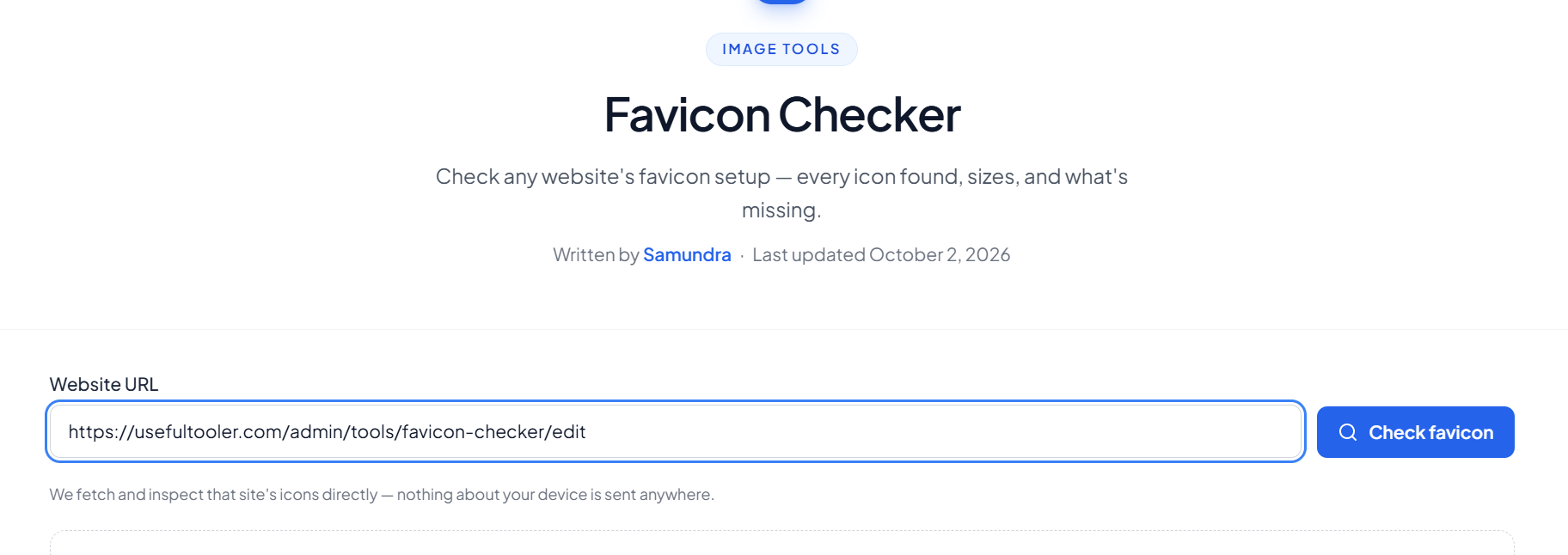
Enter Website URL
Enter the website URL whose favicon you want to check.
Check the Favicon
Click the Check Favicon button to find favicon from website.
View Favicon Details
The tool will detect and display the website favicon, favicon format, favicon size, and other available details.
Preview the Favicon
Preview the detected favicon and check how the favicon icon appears on the website.
Frequently asked questions
What is a Favicon Checker?
A Favicon Checker is an online tool that helps you check whether a website has a favicon and identify the favicon files available on the website.
How do I check a website favicon?
Enter the website URL, such as https://example.com, and click Check Favicon. The tool will analyze the website and display the detected favicon information.
What does the favicon score mean?
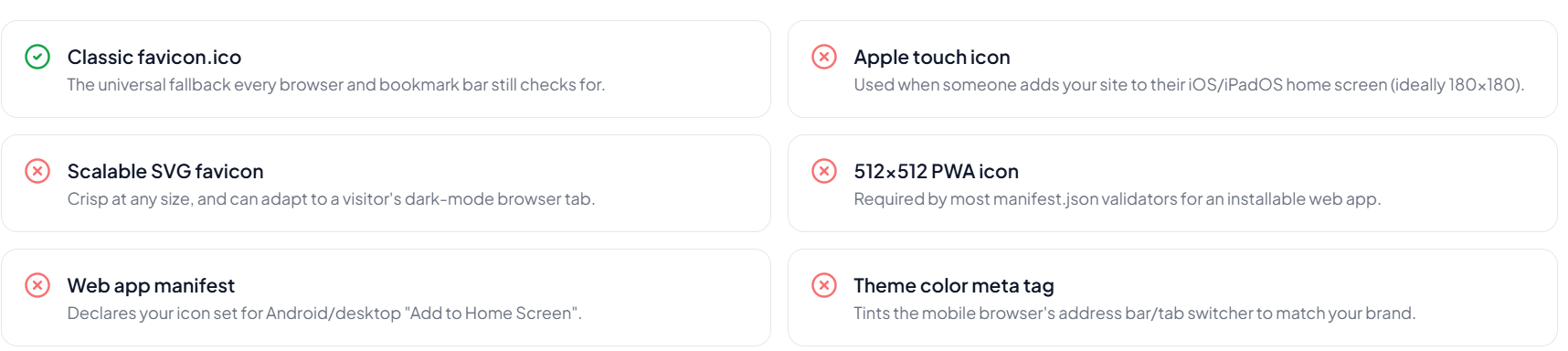
The score shows how well the website supports different favicon-related elements. It may check the classic favicon.ico, SVG favicon, Apple touch icon, PWA icon, web app manifest, and theme color meta tag.
Can I use this tool to test a favicon after adding or changing it?
Yes. You can enter your website URL again to check whether the updated favicon can be detected.
Where are favicons displayed?
Favicons are commonly displayed in browser tabs, bookmarks, search results, and home screen shortcuts.
What favicon formats can the tool detect?
Depending on the website, the tool may detect common favicon formats such as ICO, PNG, and SVG.
Last updated:
Share this tool
Know someone who'd find it useful? Send it their way.